Enterprise AI & Machine Learning Platform
Turn your data into trained models, predictions, and answers
Search your documents, explore your data, train and version models, and run predictions, all from data already inside Flex83.
















AI initiatives stall long before the model does
Most of the work in a machine learning project isn't the model. It's everything that has to happen before a model can be trusted, and everything that has to keep working after it ships.
Data dependency slows every model
Building a model depends on data that has to be found, cleaned, and shaped before any training can start. When that preparation sits with a separate team, every new model waits on the same handoff, and the domain experts who understand the assets have no direct way to turn that knowledge into a model.
Training logic breaks in production
Cleaning and feature logic built for training is often rebuilt separately when the model goes live. Any difference between the two changes what the model sees, so results that are held up in testing degrade in production, often without an obvious sign.
Critical knowledge stays buried
Manuals, SOPs, service records, and technical documentation sit across shared drives and separate systems. Without a way to search them by meaning, the answer to an operational question exists but takes too long to find.
One data layer, from raw table to trained model and answer
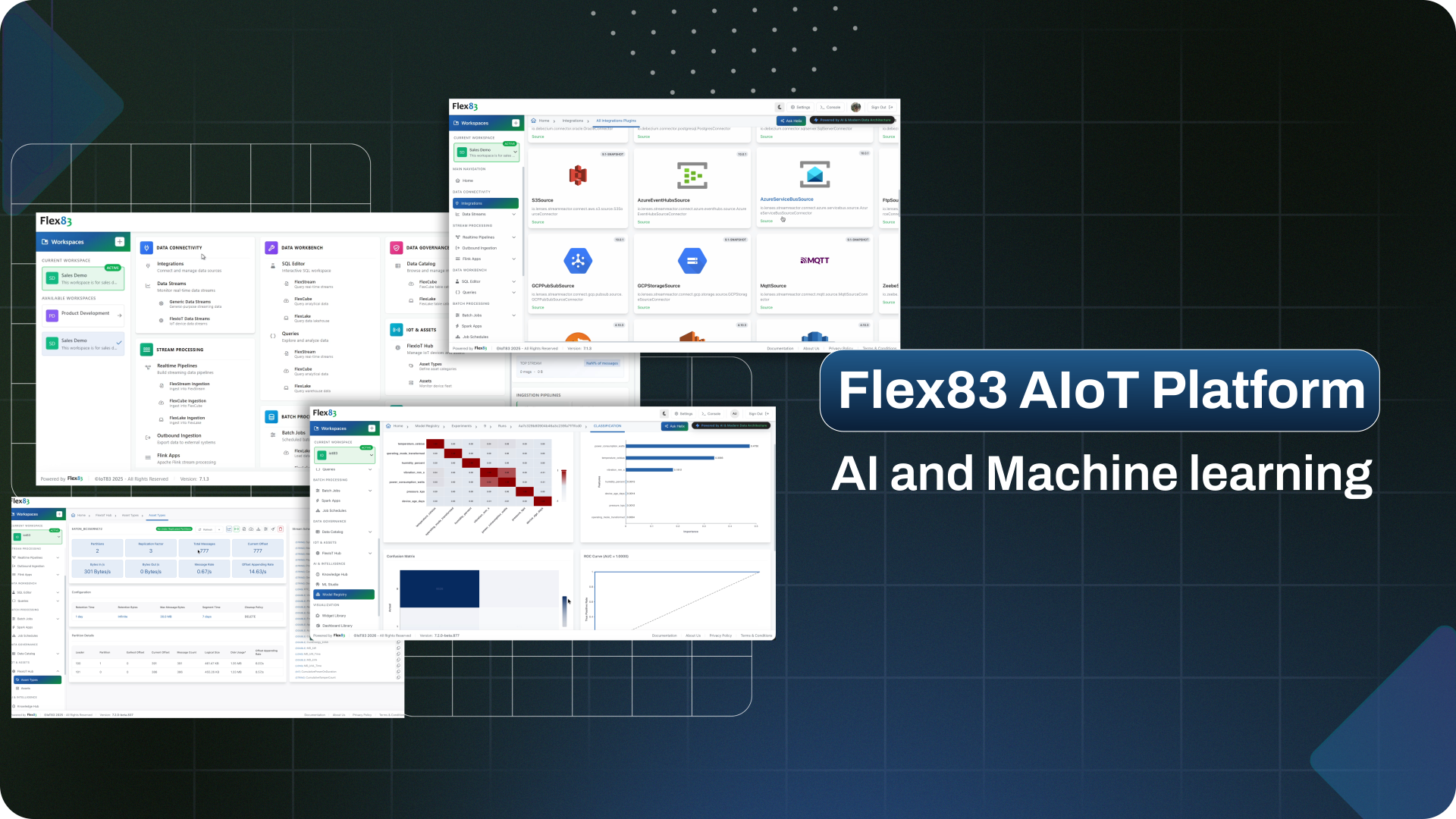
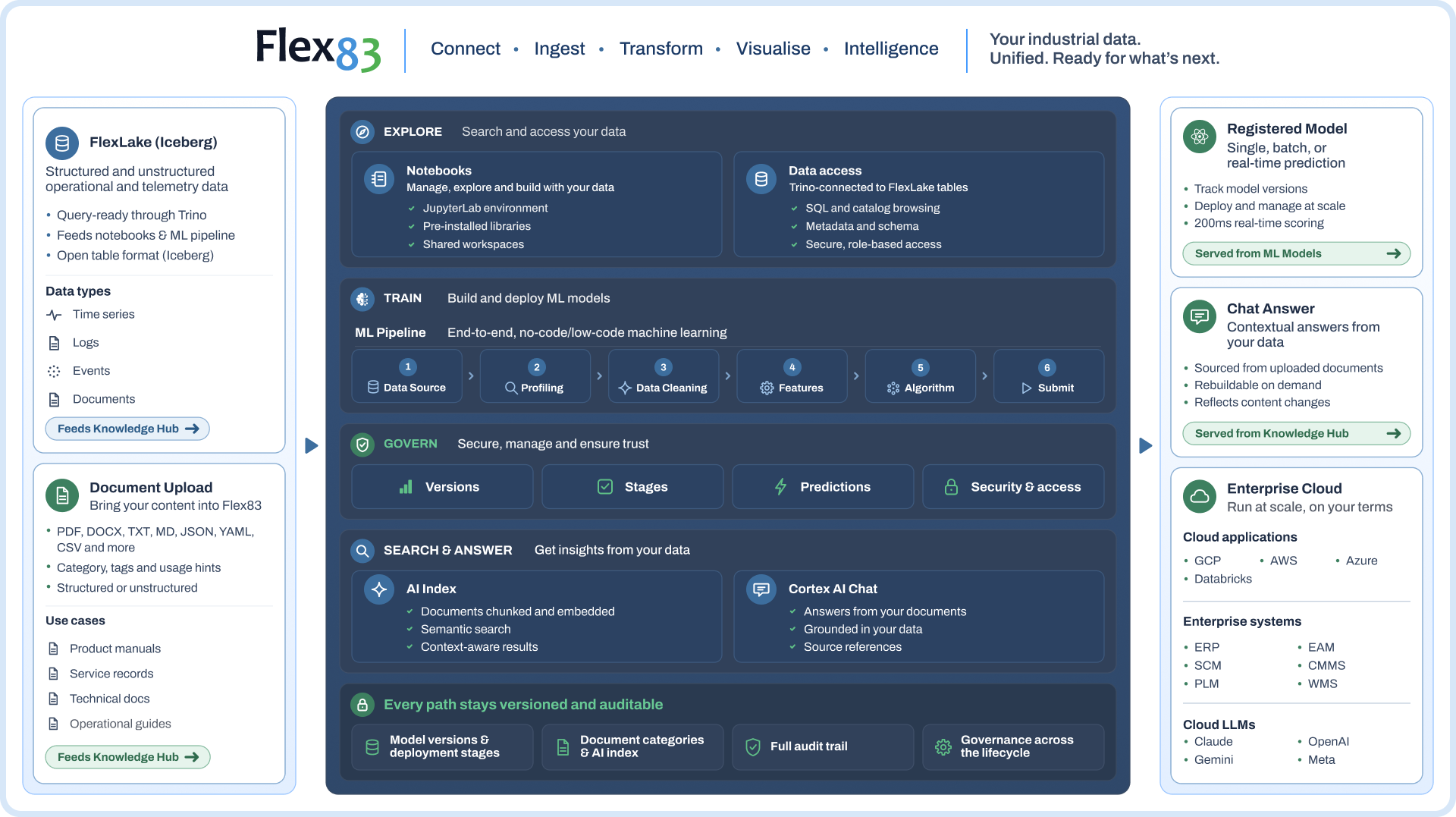
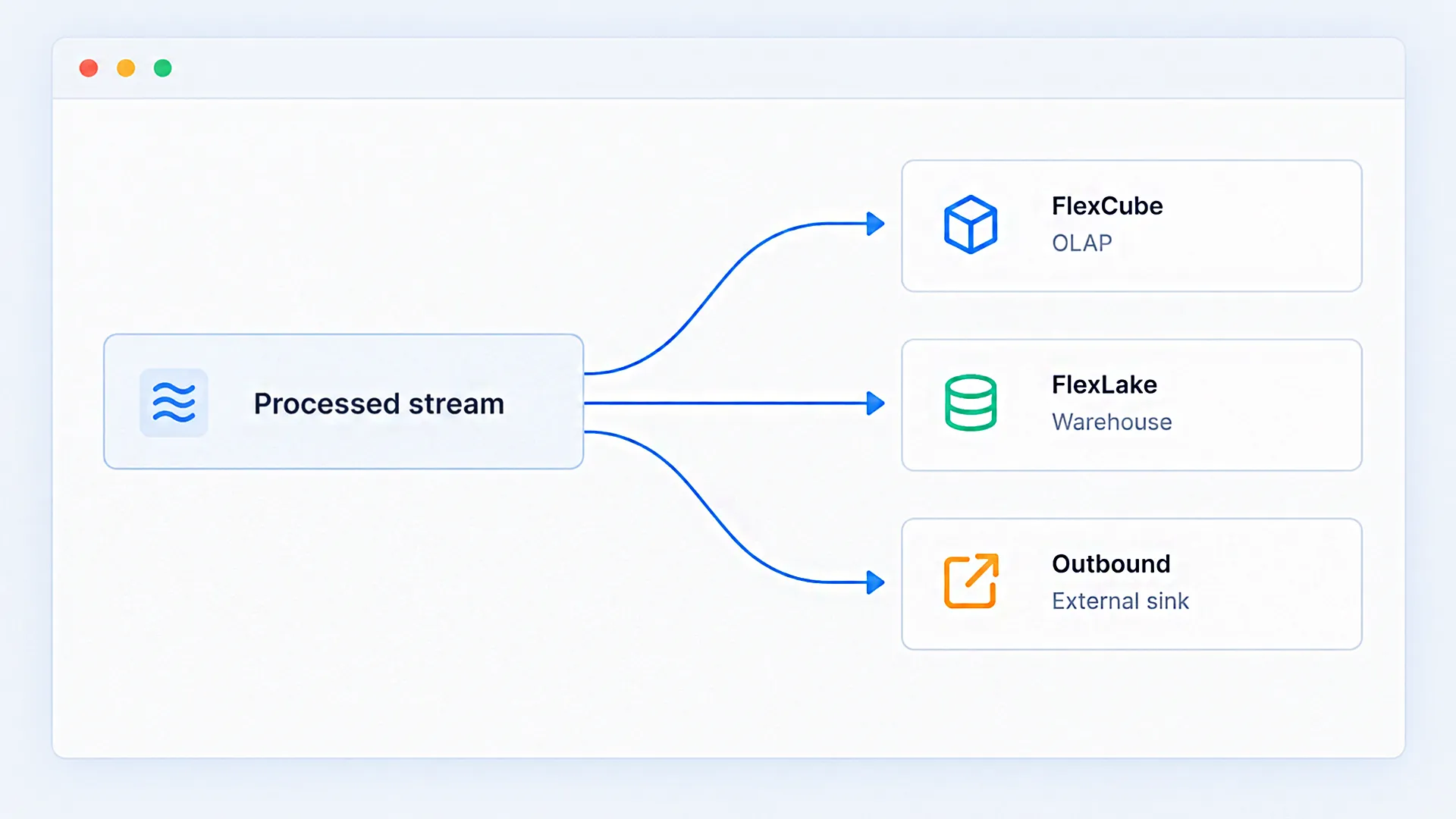
Flex83’s enterprise AI and machine learning platform converts raw datasets and enterprise documents into trained models and searchable knowledge bases. Structured tables in FlexLake feed Notebooks and ML Pipeline for analysis, training, and prediction, while uploaded documents feed Knowledge Hub for search and answers, all inside the platform.
Built-in tools for every stage of AI work
Our enterprise AI and machine learning platform brings data, models, and AI workflows together in one environment.
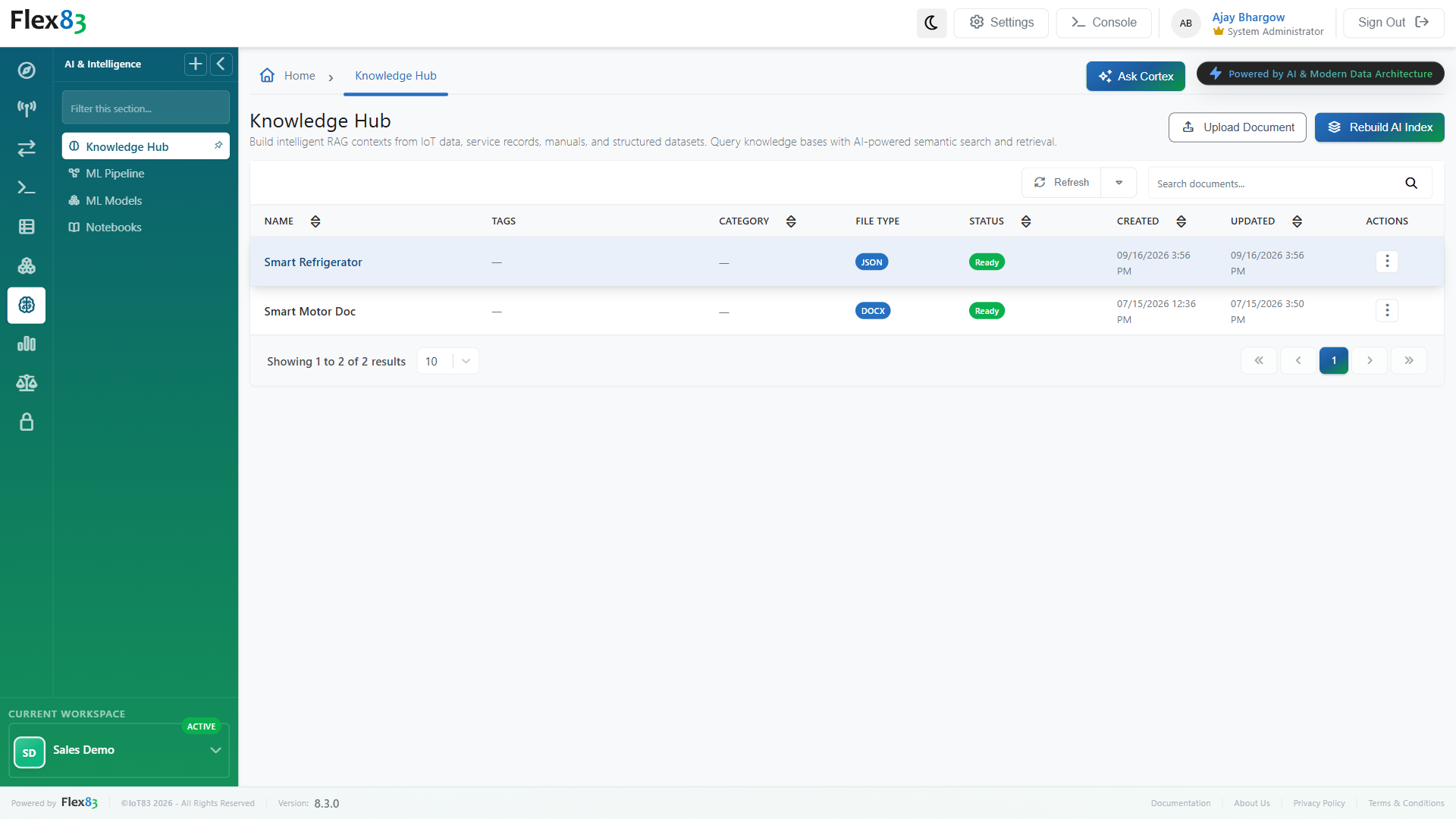
Get answers based on your own documents
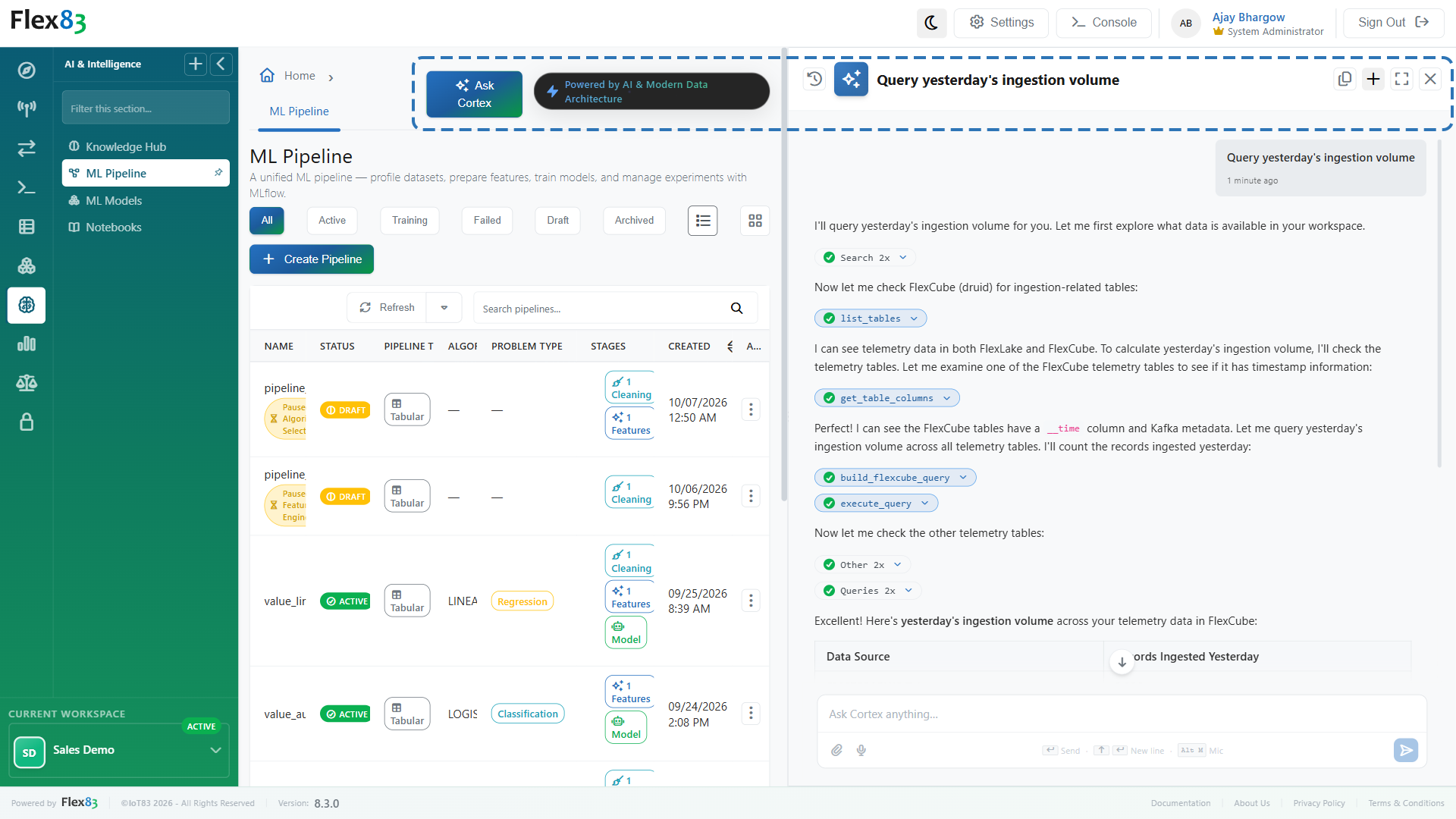
Build intelligent RAG contexts from IoT data, service records, manuals, and structured datasets with Knowledge Hub. Query knowledge bases with AI-powered semantic search and retrieval, with answers based on the documents you upload.
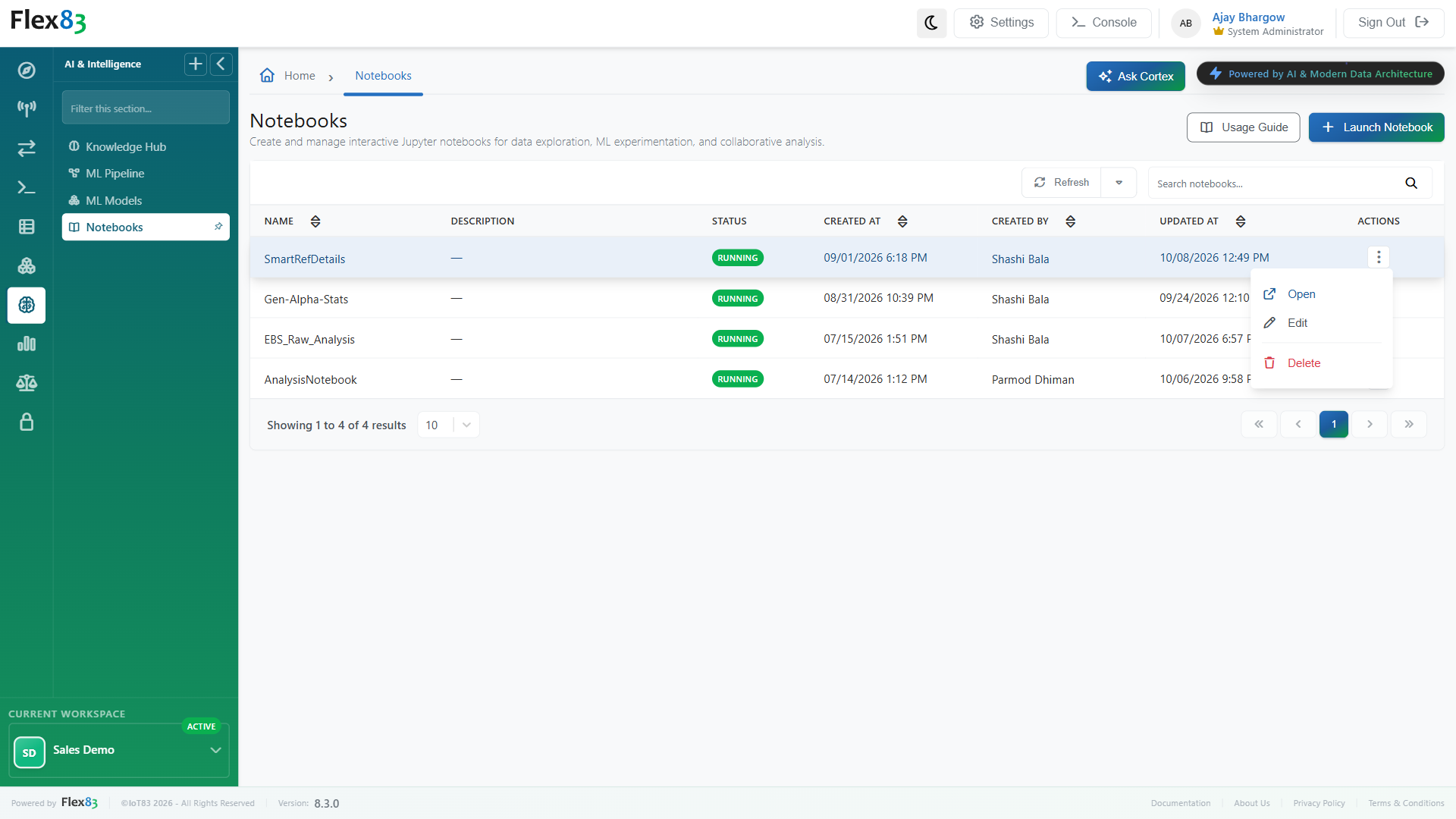
Explore and experiment without installing anything
Create and manage interactive Jupyter notebooks for data exploration, ML experimentation, and collaborative analysis with Notebooks. Every notebook opens in a managed, browser-based JupyterLab environment already connected to your data, with nothing to install locally.
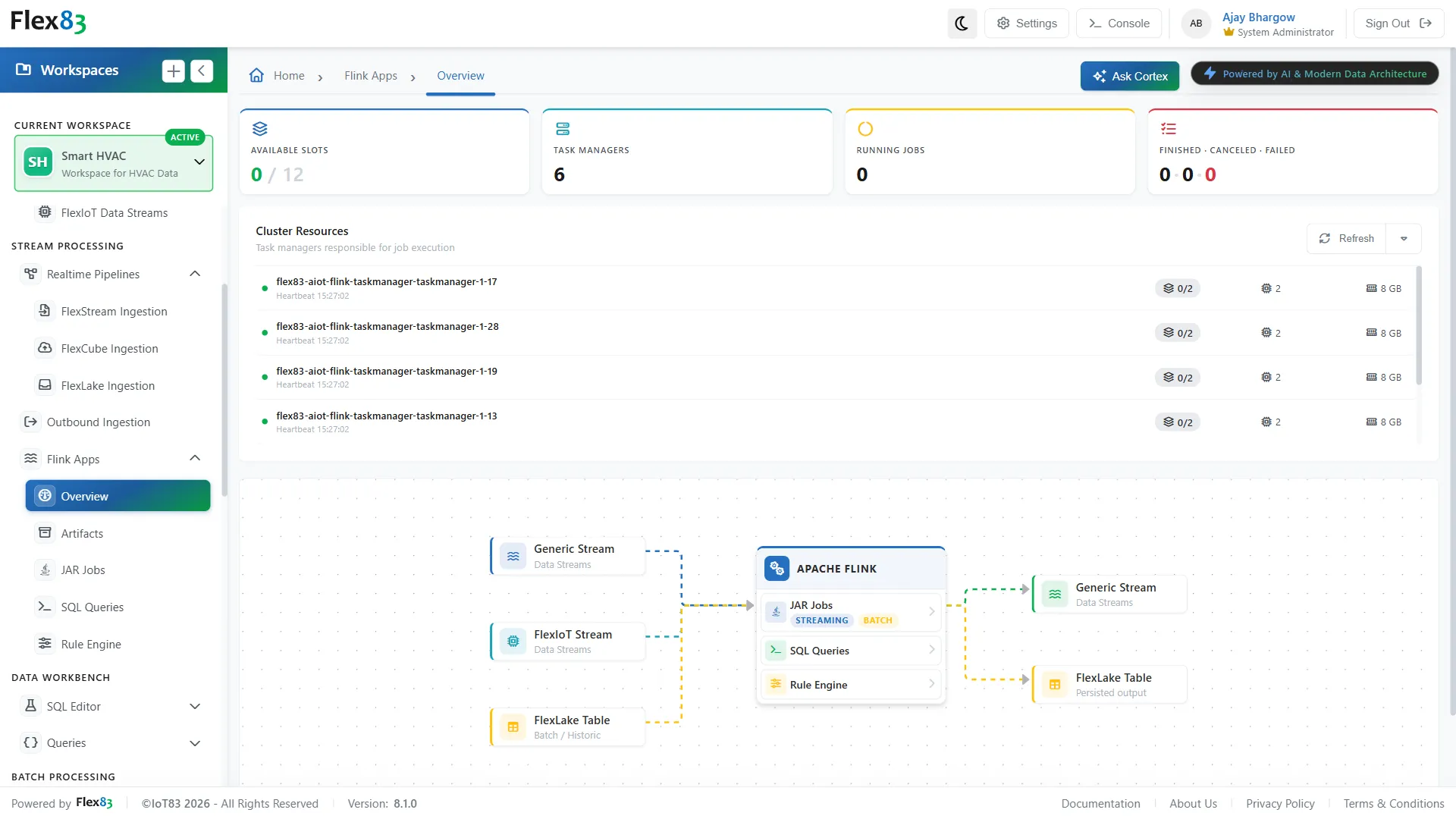
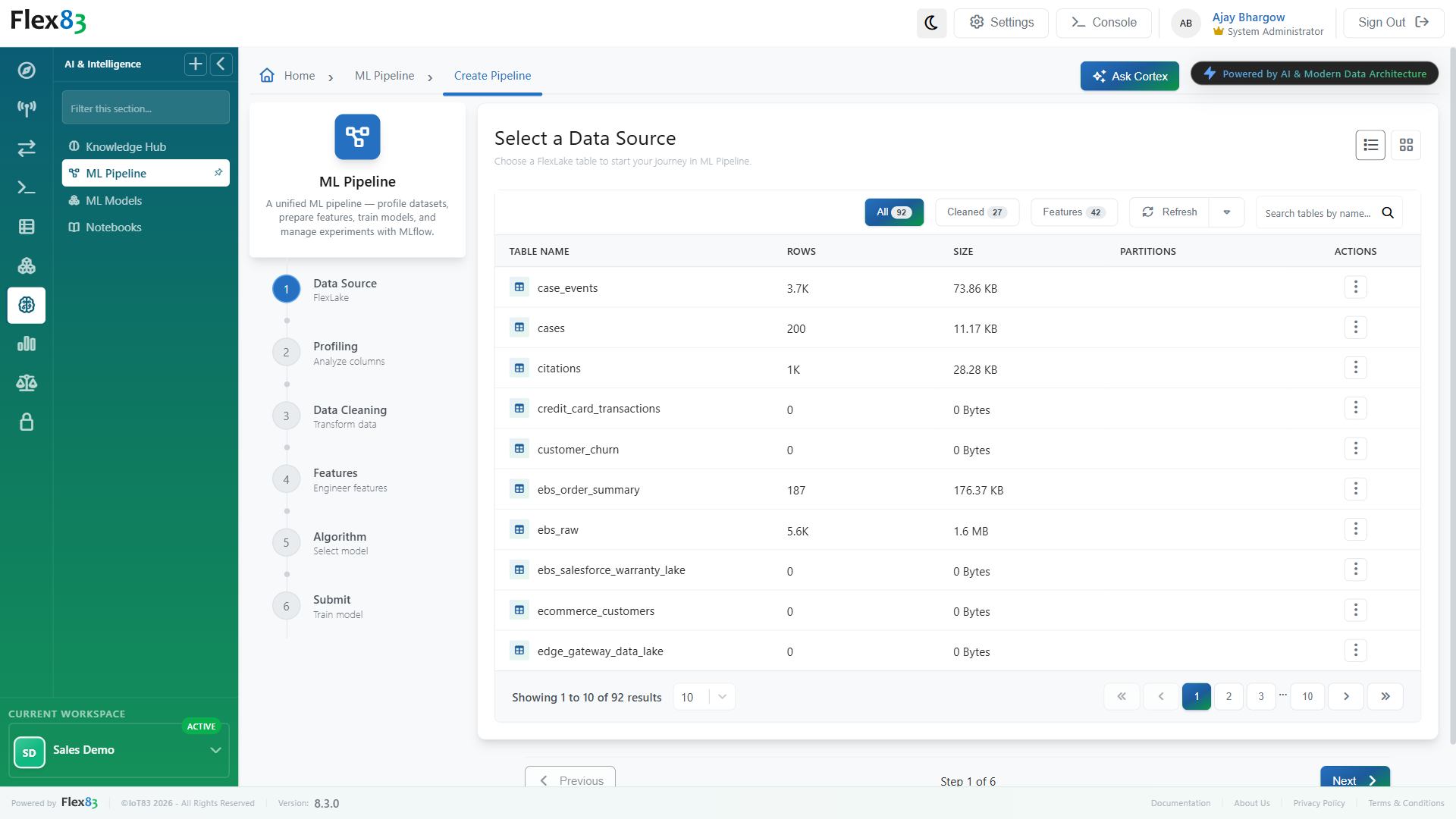
Go from raw data to trained model
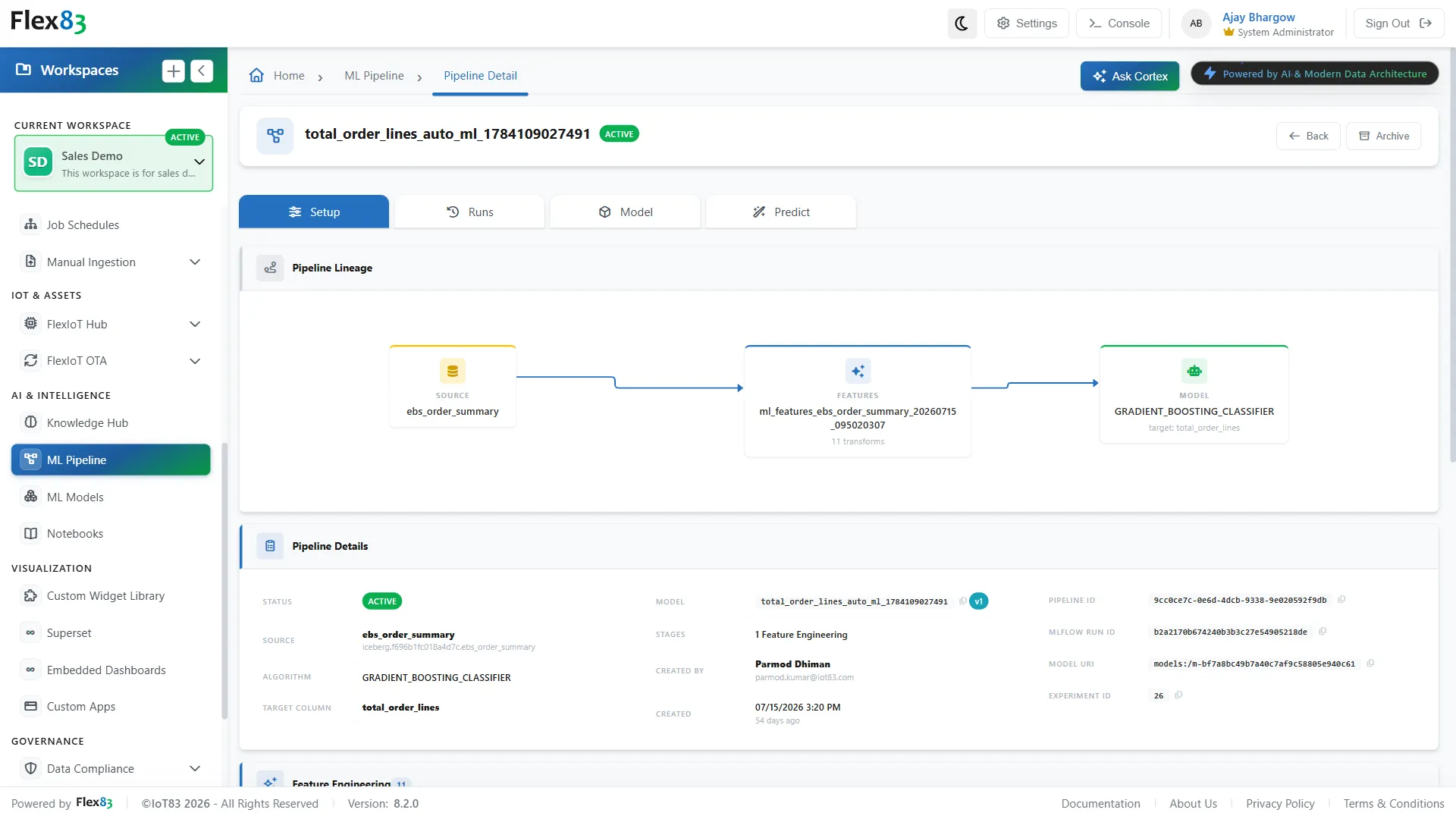
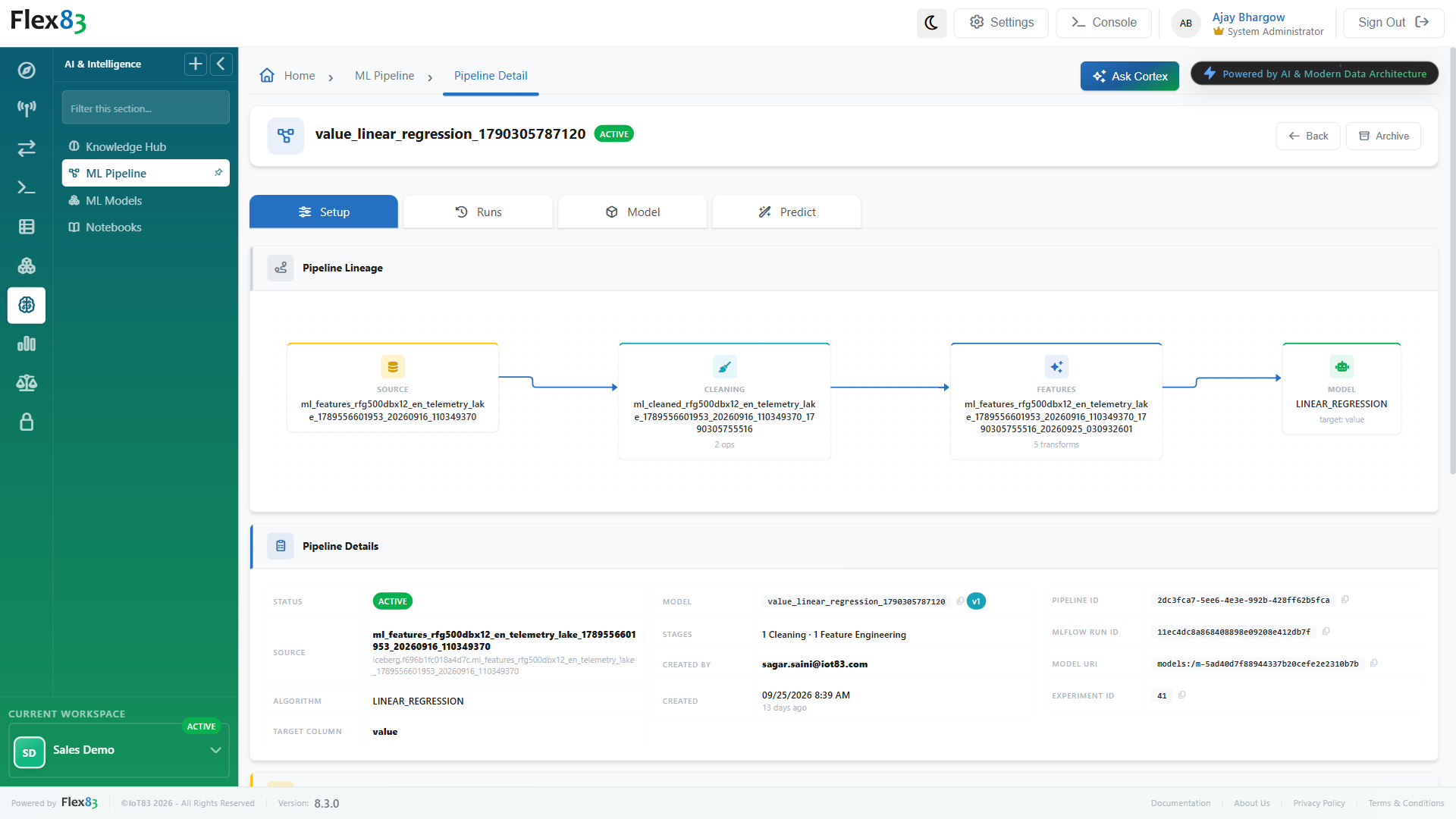
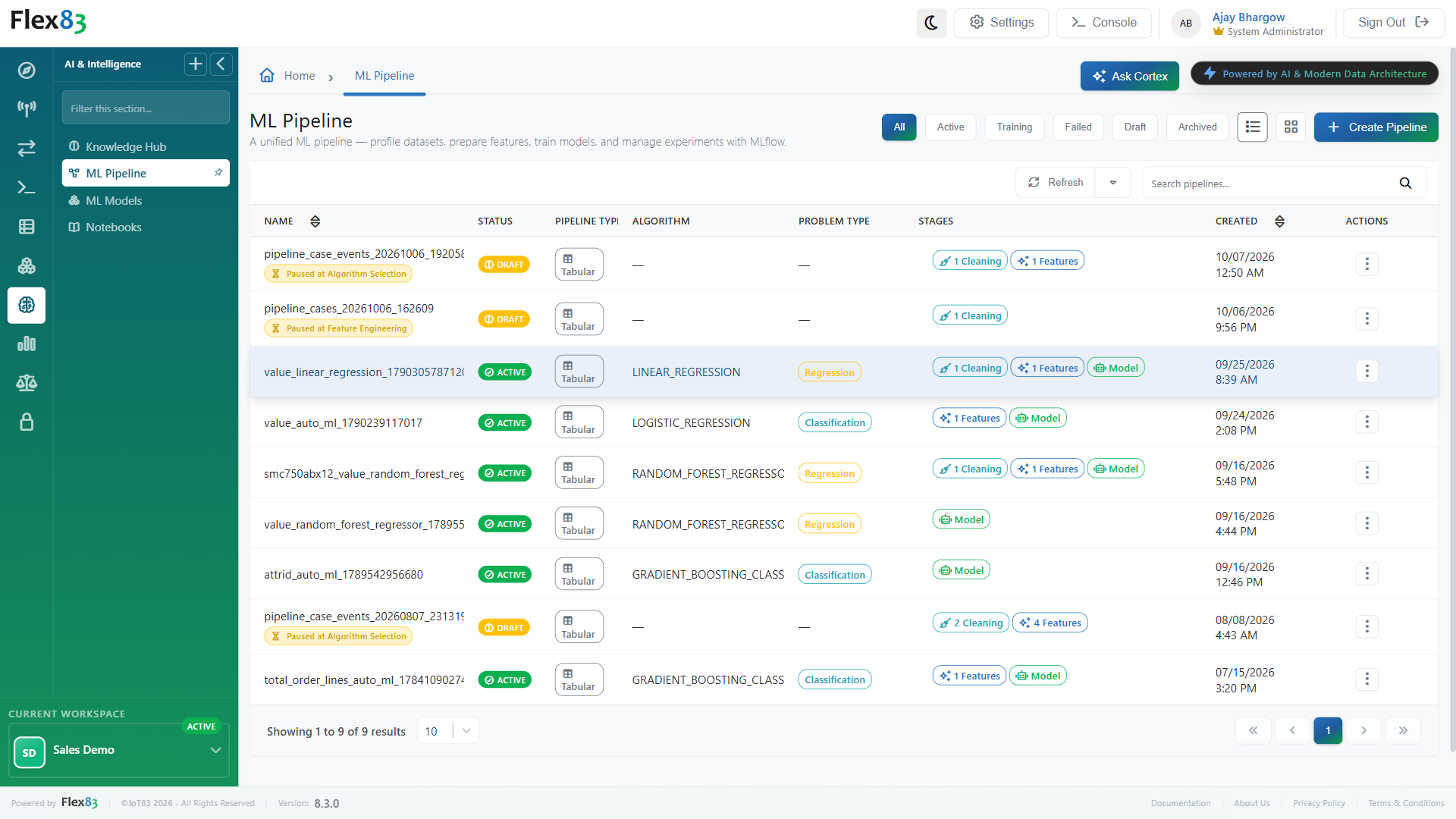
Profile datasets, prepare features, train models, and manage experiments with ML Pipeline. Every experiment is tracked with MLflow, guided through a six-step wizard instead of a blank script, which records each cleaning and feature step you save as a reusable recipe, the same recipe, not a redone one, every time it runs again.

Track every model version automatically
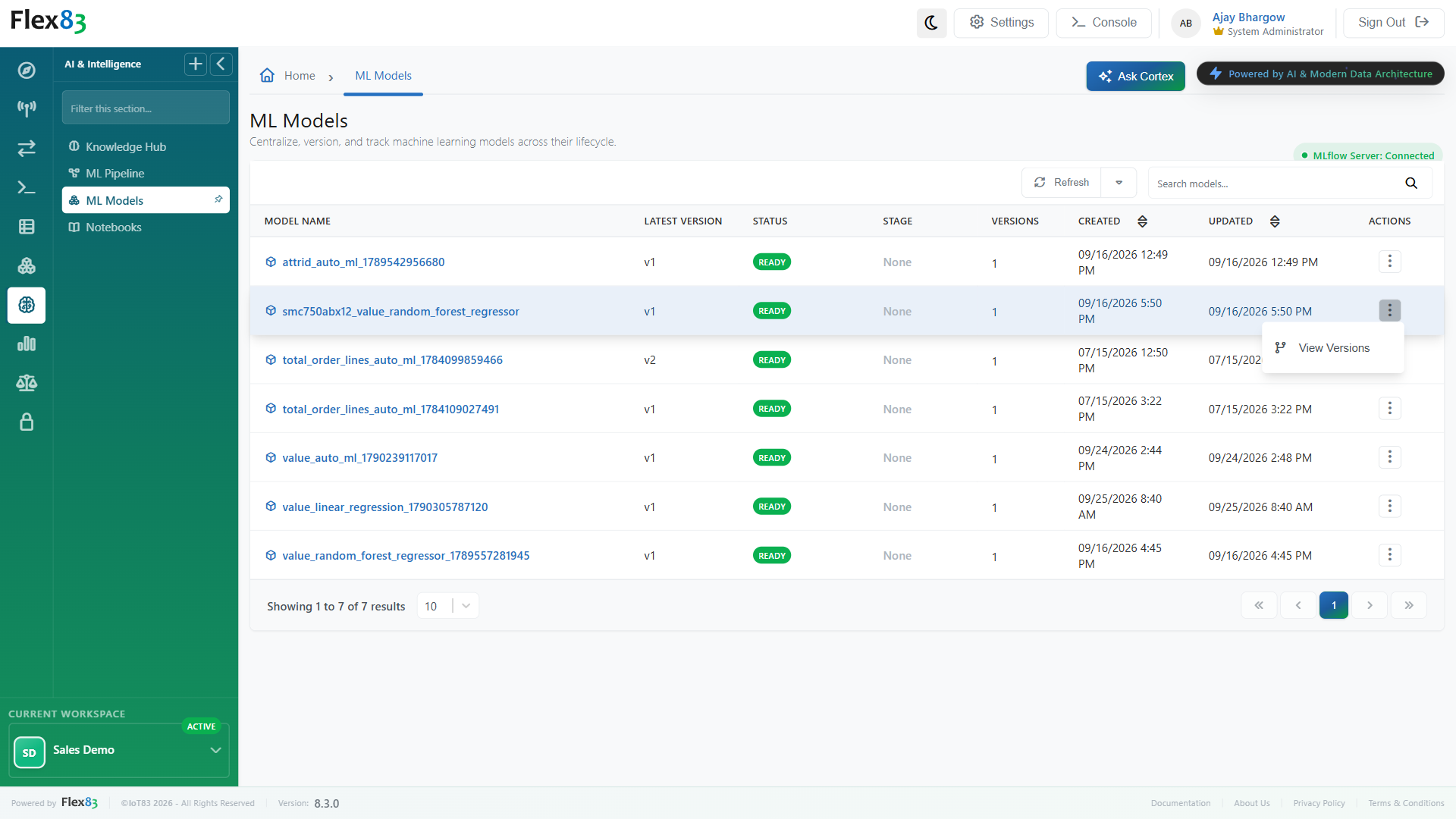
Centralize, version, and track machine learning models across their lifecycle with ML Models. Every successfully trained pipeline registers automatically into this version-tracked registry, backed by MLflow, so the record exists whether or not anyone remembers to write it down.
AI work that's faster to build, easier to trust, and easier to operate
Flex83 brings model building, AI-powered search, prediction, and model management into the same platform, so teams can move from domain knowledge to working AI without stitching together separate tools and workflows.
Turn domain knowledge into a model
Use a guided workflow to turn what your reliability engineers already know into a trained, versioned model. Bring their understanding of assets and failure patterns directly into the modeling process.
Ask your data and documents
Get answers from your manuals, SOPs, technical documentation, and uploaded data files without moving the data into another tool. Pull the relevant operational context together with the documents behind it.
Keep training and serving in sync
Freeze the preprocessing and input schema used during training so every prediction runs against the same logic. The same preparation steps carry through from model training to production prediction.
Know exactly what's running
Track every model version, its metrics, and whether it is in staging, production, or archived. Each version stays tied to its performance history and deployment stage.
Enterprise AI & machine learning across industrial workflows
Apply AI where industrial decisions happen, from asset reliability and service to production and model development.
Asset reliability
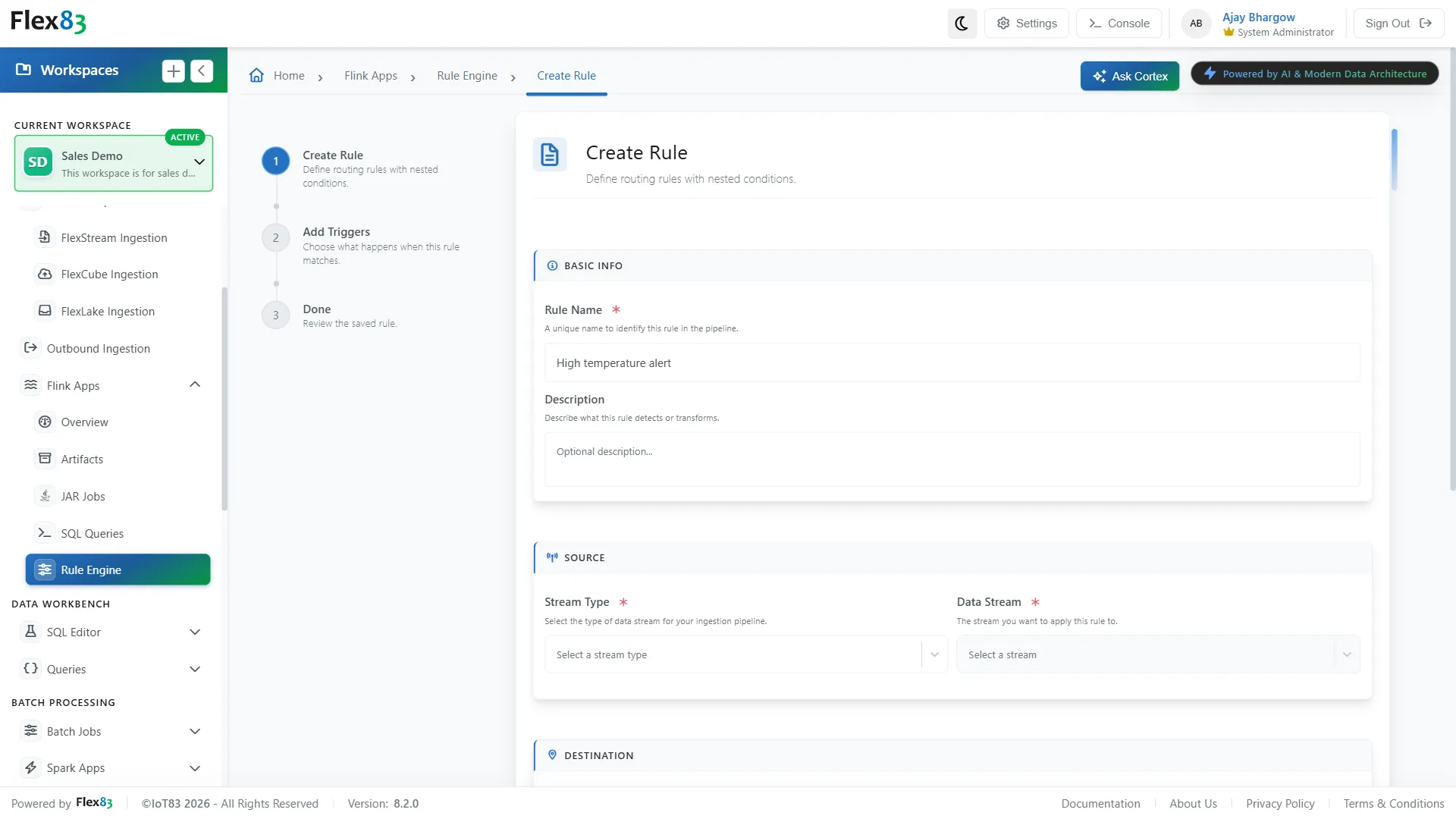
Combine equipment history, telemetry, and domain knowledge to investigate failure patterns and build models around recurring reliability problems.
Service and maintenance
Bring manuals, service records, and operational data together so teams can ask questions in plain language and get answers based on those documents.

Production operations
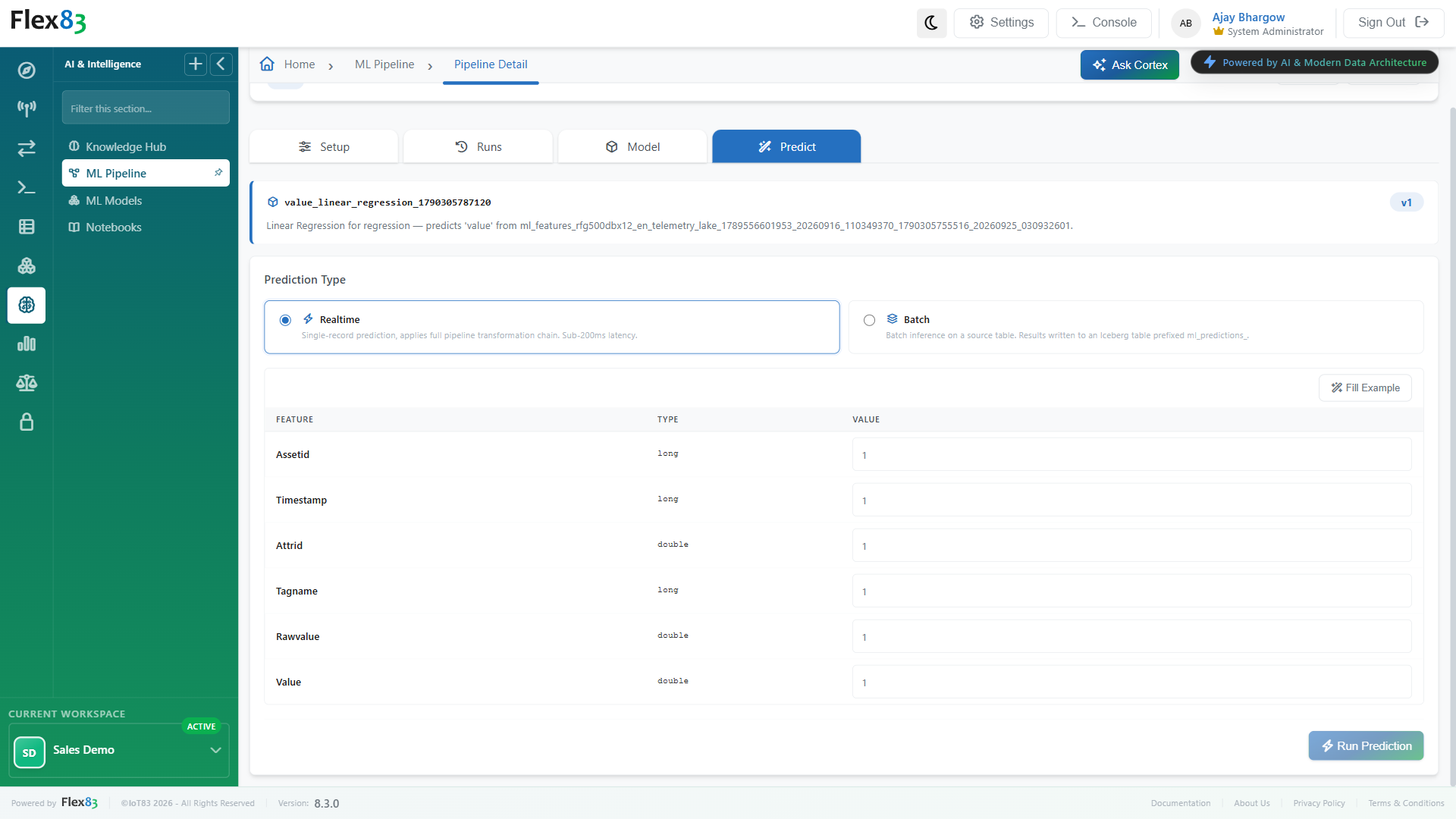
Train models on operational data in FlexLake and run predictions on new records, in real time or in batch, to support decisions around equipment performance, maintenance, and process conditions.
AI development
Move from exploration to experimentation to deployed models within the same data environment, keeping the work connected as models move into production.
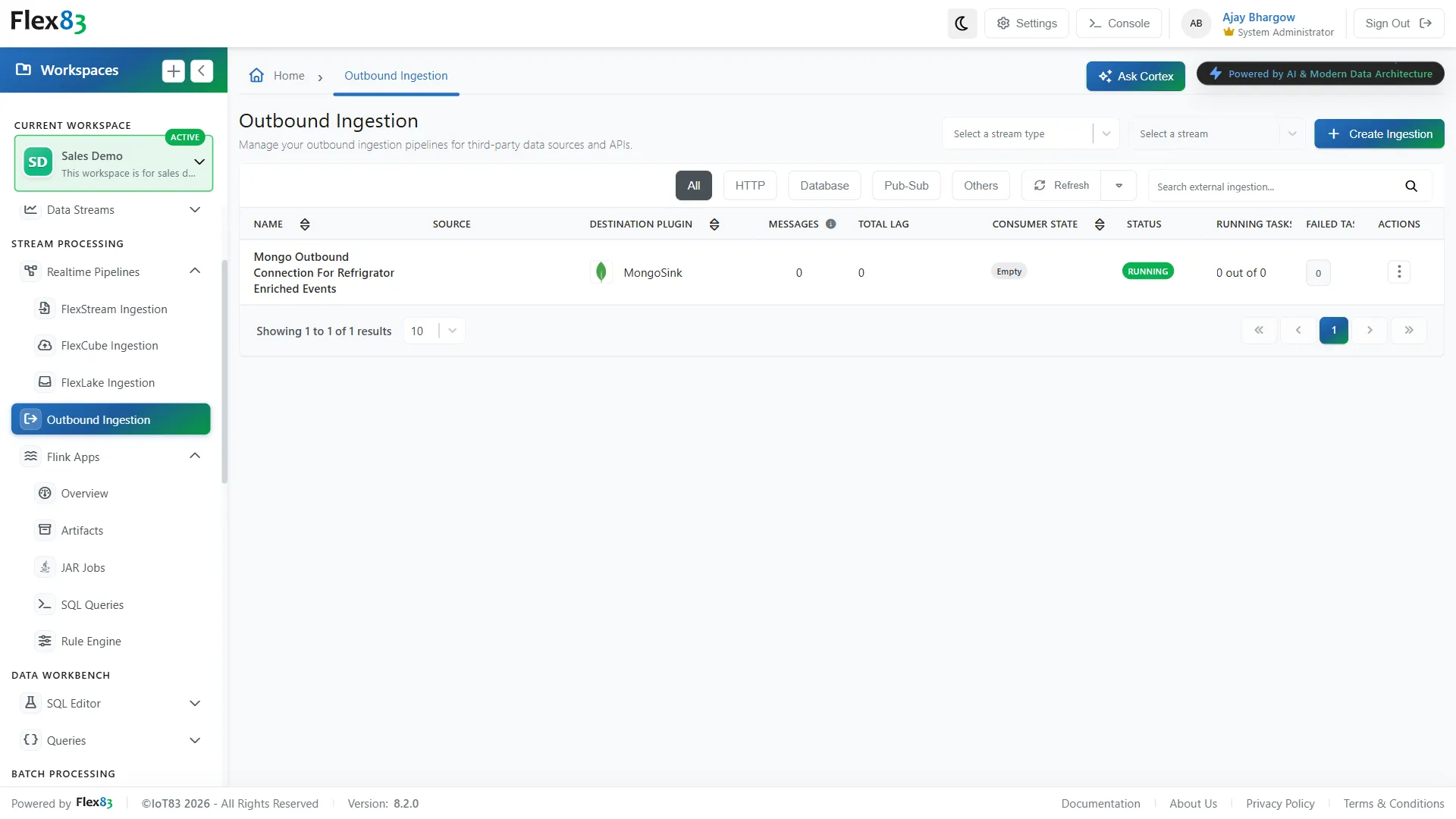
Built and running in production
A production-ready enterprise AI & machine learning platform powering high-scale operations today.
Data prep cut 70%, ML deployment accelerated 3.5x.
A large global infrastructure operator needed AI-ready data from fragmented, high-velocity sources across regions, without manual data preparation slowing every new model. Flex83 unified ingestion, enrichment, and model building on one governed foundation, using AutoML, ML pipeline orchestration, and a model registry, with natural-language access to data through Knowledge Hub. The results: data preparation time reduced by 70% and ML model development and deployment accelerated 3.5x. At platform level, it supported 60M+ events per second with 99.9% availability.
Frequently Asked Questions
How does Flex83 perform AI-powered semantic search on enterprise documents?
Flex83 Knowledge Hub uses Retrieval-Augmented Generation (RAG) and vector indexing to enable semantic search across unstructured enterprise data. Each uploaded document is split into chunks and converted into vector embeddings, so Cortex AI chat can answer plain-language questions based on the content of your uploaded documents, including PDF, DOCX, CSV, JSON, and technical manuals.
What file formats are supported for AI document indexing in Knowledge Hub?
Flex83 Knowledge Hub accepts PDF, DOCX, TXT, MD, JSON, YAML, and CSV files. Each document can be organized with a category and tags, and given usage hints that guide how AI agents should use its content. Typical content includes manuals, SOPs, service records, and structured datasets.
How does Flex83 eliminate training-serving skew in production ML workflows?
Flex83 ML Pipeline saves the cleaning, feature engineering, and preprocessing steps a user saves in the six-step wizard as a reusable recipe, and replays that same recipe for training, batch prediction, and real-time prediction. Values learned from training data, such as mean, median, or mode fill values, are frozen at training time, and each trained pipeline stores an input schema contract. This prevents training-serving skew, where the inputs at prediction time differ from what the model saw during training. Batch prediction replays the steps on whole tables, while real-time prediction applies them in memory to a single record.
What machine learning algorithms and AutoML capabilities does Flex83 support?
Flex83 ML Pipeline offers 14 classification and regression algorithms, plus AutoML. Users can select an algorithm manually, with optional hyperparameter tuning through Grid Search or Random Search, or run AutoML, which compares algorithms and selects the best-performing one. Before training, the wizard profiles the dataset and suggests cleaning fixes based on the quality issues it finds.
How does Flex83 track ML model versions and deployment lifecycles?
Flex83 ML Models provides a model registry backed by MLflow. Every successfully trained pipeline is registered automatically, and each version records its metrics, parameters, and visualizations such as feature importance and ROC curves. Teams can manage deployments using lifecycle stages: None, Staging, Production, and Archived.
Does Flex83 support both real-time inference and batch predictions?
Yes. Flex83 supports real-time single-record prediction, typically in under 200 ms, and batch prediction jobs that write results to an ml_predictions_* table.
Can data scientists work in Jupyter Notebooks inside Flex83 without local setup?
Yes. Flex83 Notebooks provides fully managed, browser-based JupyterLab environments running directly against Apache Iceberg tables in FlexLake via Trino. Data science teams can query, explore, and run Python or SQL scripts in tenant-isolated environments without exporting data or installing local packages.
How does Flex83 isolate tenant data during ML model training and notebook execution?
Notebooks run in the tenant's own Kubernetes namespace rather than a shared runtime, and each user works in a personal JupyterLab server. Data access inside a notebook follows the user's existing identity and roles, so users only see data they are already authorized to access. Training runs are logged to MLflow with the tenant ID recorded as a tag, and Knowledge Hub document names are unique within a tenant.
Make the most of your industrial data
Search, explore, and train on data while keeping every model accountable, all inside one platform.
%20(1).jpg)